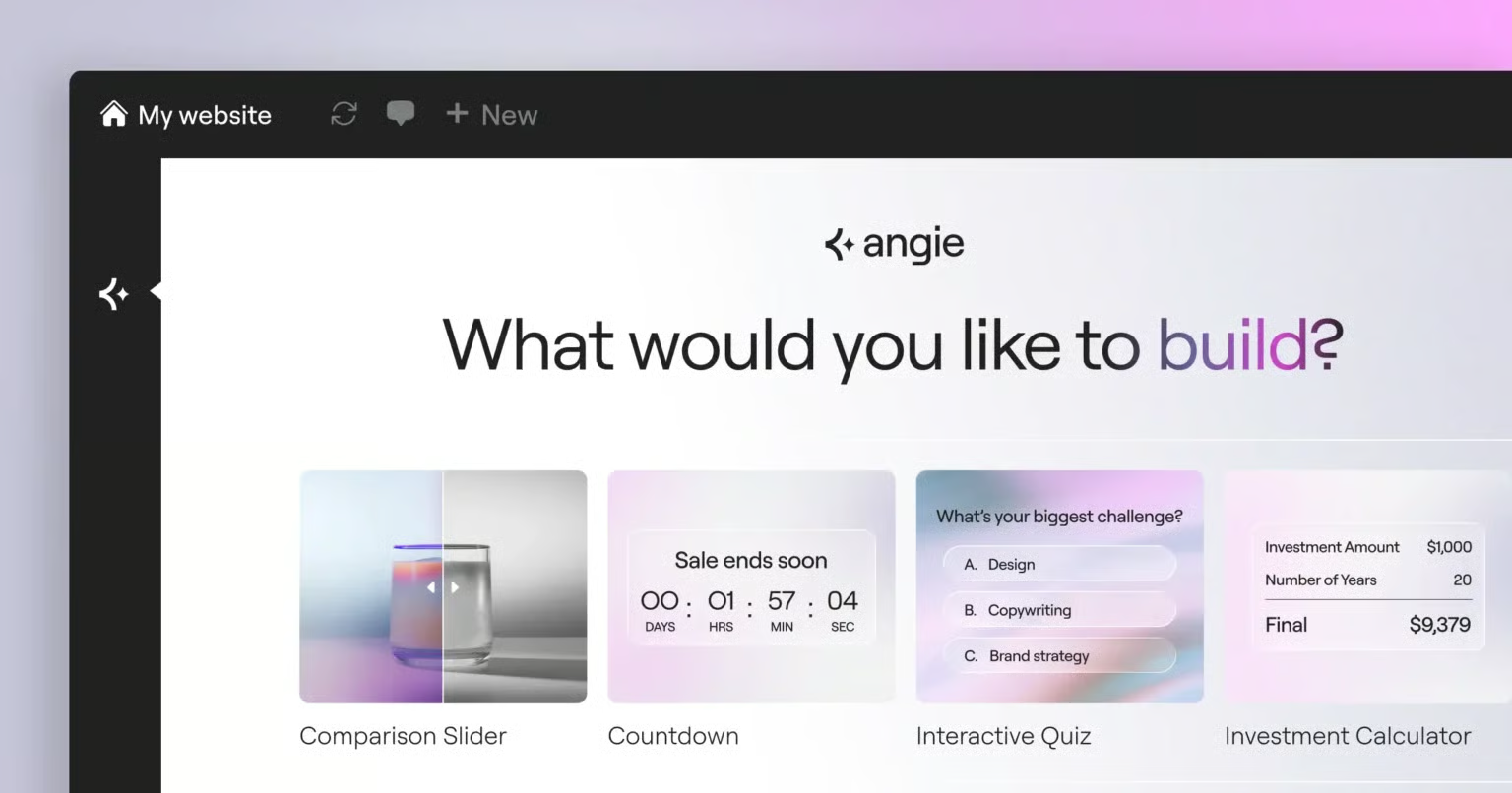
Artificial intelligence is transforming website development, and WordPress users now have access to a new AI-powered solution built specifically for the platform. Elementor has introduced Angie, an agentic AI framework designed to understand WordPress websites, interact with installed tools, and perform real tasks instead of simply generating content.
Its first major capability, Angie Code, enables users to build custom WordPress features, widgets, code snippets, and interactive applications using natural language prompts, eliminating much of the manual coding traditionally required.
What Is Angie?
Angie is an AI assistant developed by Elementor specifically for WordPress. Unlike general AI coding assistants, Angie understands the structure of WordPress websites, installed plugins, themes, and Elementor components before generating code.
Instead of acting as a standalone chatbot, Angie works directly inside the WordPress ecosystem, allowing users to create, modify, and manage website functionality from a single interface.
What Is Angie Code?
Angie Code is the first feature introduced within the Angie framework. It allows users to describe the functionality they want in plain language, after which the AI generates production-ready WordPress assets.
Instead of searching for plugins or writing custom PHP, CSS, JavaScript, or Elementor widgets manually, users can simply explain what they want to build.
Examples include:
- Custom Elementor widgets
- Interactive website components
- WordPress admin tools
- Code snippets
- Front-end applications
- Custom post types
- Dynamic content features
Every generated asset is designed to work within the existing WordPress environment.
Why Traditional WordPress Customisation Can Be Challenging
WordPress offers thousands of plugins, but many website owners eventually need functionality that isn’t available through existing solutions.
Typical challenges include:
- Searching through multiple plugins
- Paying for premium extensions
- Hiring WordPress developers
- Writing custom code
- Maintaining compatibility between plugins
Custom development often increases project costs and development time, especially for unique website requirements.
Angie Code aims to simplify this process by generating custom functionality based on user requirements instead of requiring manual development.
Key Features of Angie Code
Production-Ready WordPress Assets
Users can generate WordPress components directly from a text prompt without writing code manually.
Supported outputs include:
- Elementor widgets
- PHP snippets
- CSS customisations
- JavaScript interactions
- WordPress admin features
Site-Aware AI
Unlike general AI coding tools, Angie understands:
- Active WordPress theme
- Installed plugins
- Elementor configuration
- Website content structure
This context helps generate code that better matches the existing website environment.
Visual Editing Support
Generated assets can be further modified using Elementor’s visual editor.
Users can:
- Continue refining the AI-generated result through conversation
- Adjust layouts visually
- Modify styling
- Update behaviour without rewriting code
Secure Testing Environment
Every asset created by Angie Code is generated inside an isolated testing environment before publication.
This allows website owners to:
- Preview functionality
- Test compatibility
- Validate performance
- Publish only after verification
Testing changes before deployment reduces the risk of affecting a live website.
What Can You Build Using Angie Code?
Angie Code supports a wide range of WordPress development tasks.
Custom Elementor Widgets
Users can create widgets such as:
- Pricing tables
- Testimonial sliders
- Interactive galleries
- Custom forms
- Dynamic layouts
WordPress Admin Features
Developers and administrators can generate:
- Dashboard widgets
- Custom settings pages
- User roles
- Administrative utilities
Interactive Website Elements
Angie can generate:
- Scroll animations
- Mouse interactions
- Custom CSS effects
- JavaScript behaviours
- Interactive user experiences
Front-End Applications
Users can create lightweight applications, including:
- Calculators
- Quiz pages
- Games
- Interactive tools
- Custom landing page experiences
Custom Post Types and Fields
Website owners can generate custom content structures without relying entirely on third-party plugins.
This includes:
- Custom post types
- Custom fields
- Structured content management
Multiple Ways to Describe Your Idea
Angie Code accepts different input formats, allowing users to communicate ideas in the most convenient way.
Natural Language
Describe the feature using plain English.
Screenshot Upload
Upload an image showing the desired design or functionality.
URL Reference
Provide a webpage URL so Angie can use it as inspiration when generating similar functionality.
This flexibility makes the tool suitable for both technical and non-technical users.
AI-Powered Iteration
Website development rarely finishes in one attempt.
Angie allows continuous refinement by enabling users to:
- Request modifications
- Change layouts
- Update functionality
- Improve styling
- Regenerate components
This conversational workflow simplifies the process of improving generated assets over multiple iterations.
Cloud Library for Reusable Components
Elementor has also announced a cloud-based asset library for Angie Code.
The upcoming feature will allow users to:
- Save AI-generated assets
- Reuse components across websites
- Access previous creations
- Build a personal library of reusable website elements
This functionality is expected to improve efficiency for agencies, freelancers, and businesses managing multiple WordPress websites.
Benefits of Angie for WordPress Users
Using Angie can help simplify website development by:
- Reducing manual coding
- Accelerating custom feature development
- Minimising plugin dependency
- Improving development workflow
- Allowing safe testing before deployment
- Supporting both developers and non-technical users
By integrating directly into WordPress and Elementor, Angie provides a workflow designed specifically for website creation rather than general-purpose coding.
Conclusion
Agentic AI is expanding beyond content generation into practical website development. With Angie, Elementor introduces an AI assistant that understands WordPress environments and can generate custom website functionality directly within the platform.
From creating Elementor widgets to generating interactive applications and administrative tools, Angie Code offers a streamlined approach to building WordPress websites while maintaining testing, compatibility, and visual editing capabilities.
As AI continues to evolve, platform-specific assistants like Angie are expected to play a growing role in simplifying website development and reducing the complexity of custom WordPress projects.
Frequently Asked Questions (FAQs)
What is Angie?
Angie is an AI assistant developed by Elementor that is designed specifically for WordPress websites.
What is Angie Code?
Angie Code is an AI-powered feature that generates WordPress widgets, code snippets, and custom functionality from natural language prompts.
Is Angie different from ChatGPT?
Yes. Angie is built specifically for WordPress and Elementor, allowing it to understand website structure, themes, plugins, and existing content before generating code.
Can beginners use Angie Code?
Yes. Users can describe website features in plain language without writing PHP, CSS, or JavaScript manually.
Does Angie test code before publishing?
Yes. Angie generates assets inside a sandboxed testing environment, allowing users to verify functionality before deploying changes to a live website.
What types of WordPress features can Angie create?
Angie can generate Elementor widgets, custom post types, interactive website components, admin tools, front-end applications, CSS, JavaScript, and PHP snippets.